To add a URL to your profile, go to
Account >
Settings >
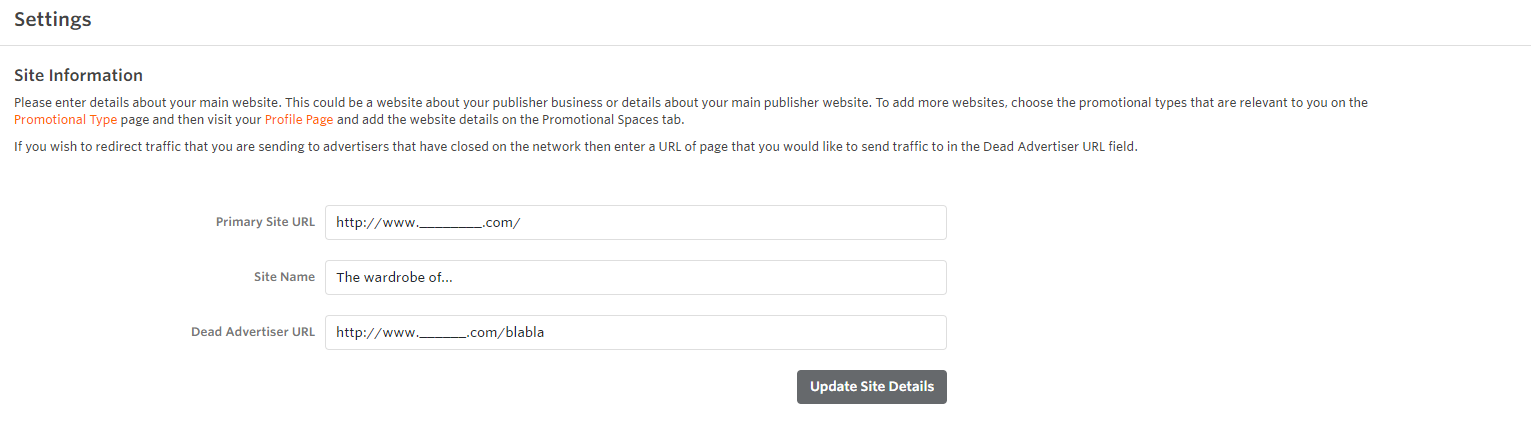
Site Information.Please enter details about your main website. This could be a website about your Publisher business or details about your main publisher website.
If you wish to redirect traffic that you are sending to Advertisers that have closed on the network then enter a URL of page that you would like to send traffic to in the Dead Advertiser URL field.
If you wish to add multiple websites to your profile, read our article
How do I add or edit my promotional sites?


