The
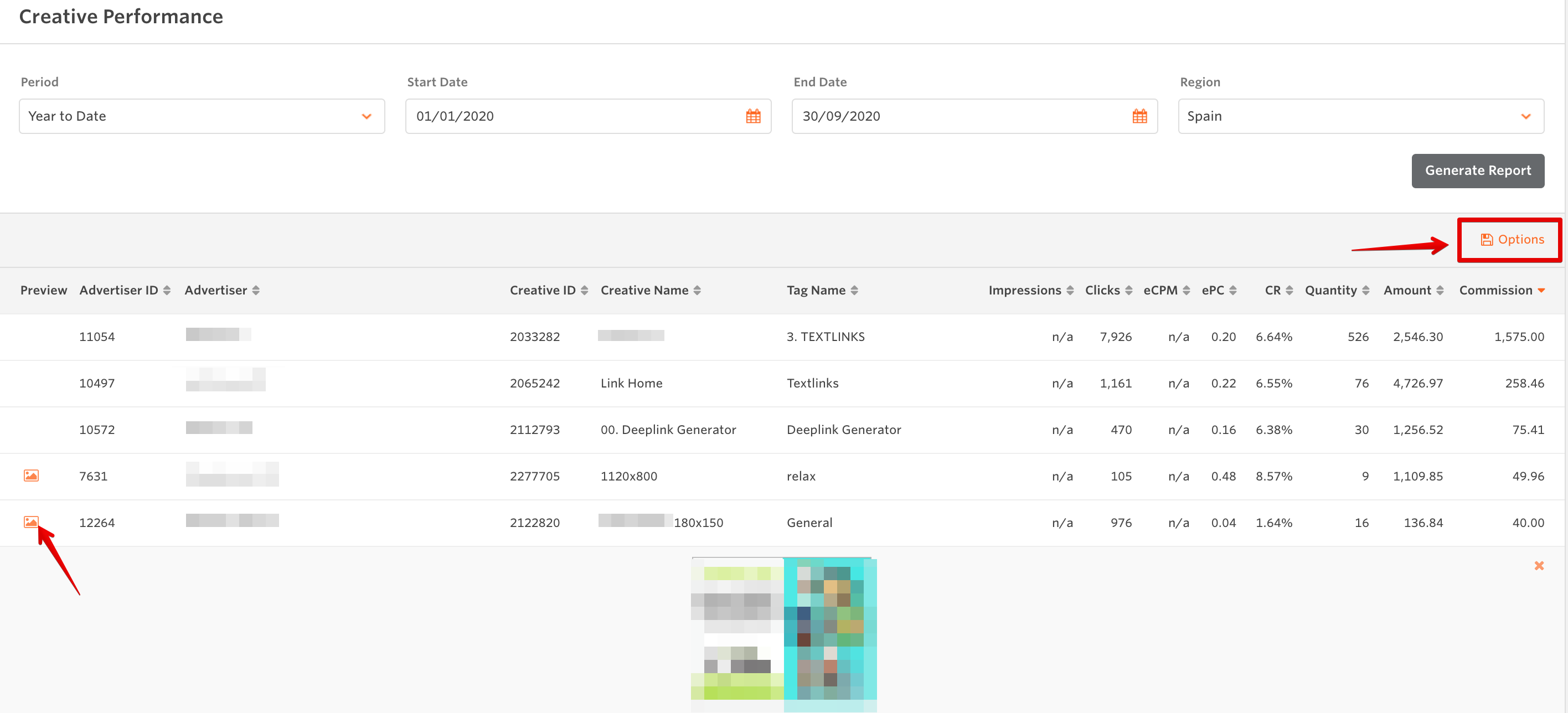
Creative Performance report details the performance of your creatives over a set period of time. This is useful for determining the effectiveness of individual banners, text links, or any piece of creative. You can also use this to gain insight into which types of creatives perform best overall your audience.
To run this report:
- Select the time period: You can either use one of the preset date ranges in the Period filter, or select Custom and set your own date range using the Start Date and End Date filters
- Select the promotional region
- Click the Generate Report button to refresh the data
You can now see the stats for each individual piece of creative that you have used , and can use the Creative ID number to locate any piece of creative in the My Creative page. You can export this data as either an Excel or CSV file by hovering over the Options button.
Video explanation of the Creative Performance Report
here.
See other Reports in the article:
Where do I find reports?


