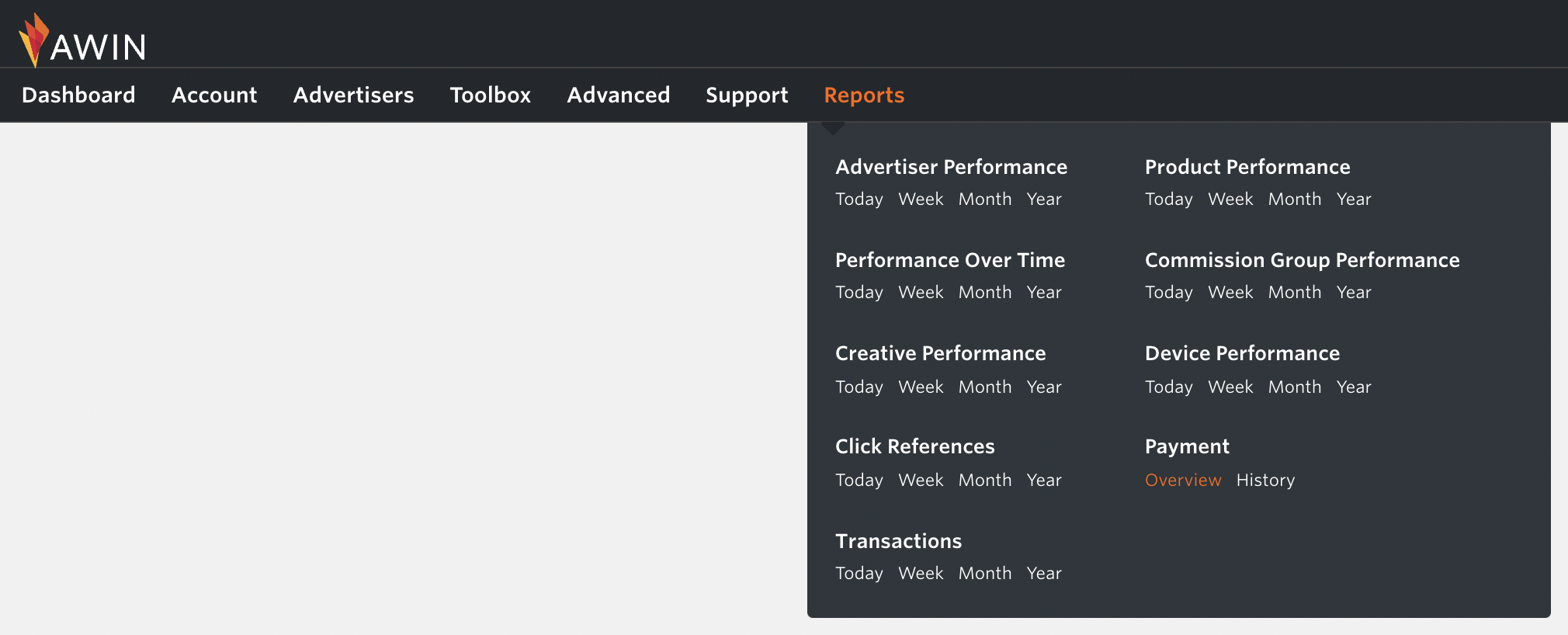
The Payment Report details all payments received and is broken down into self-billing invoices. You can choose between the Overview and History reports by going to the Reports tab:
The Payment Overview section shows your next payment amount, the total value of your confirmed commissions, the next day you will be paid, how frequently you are paid, and the method in which you receive payment. This is shown for each currency you earn commission in.
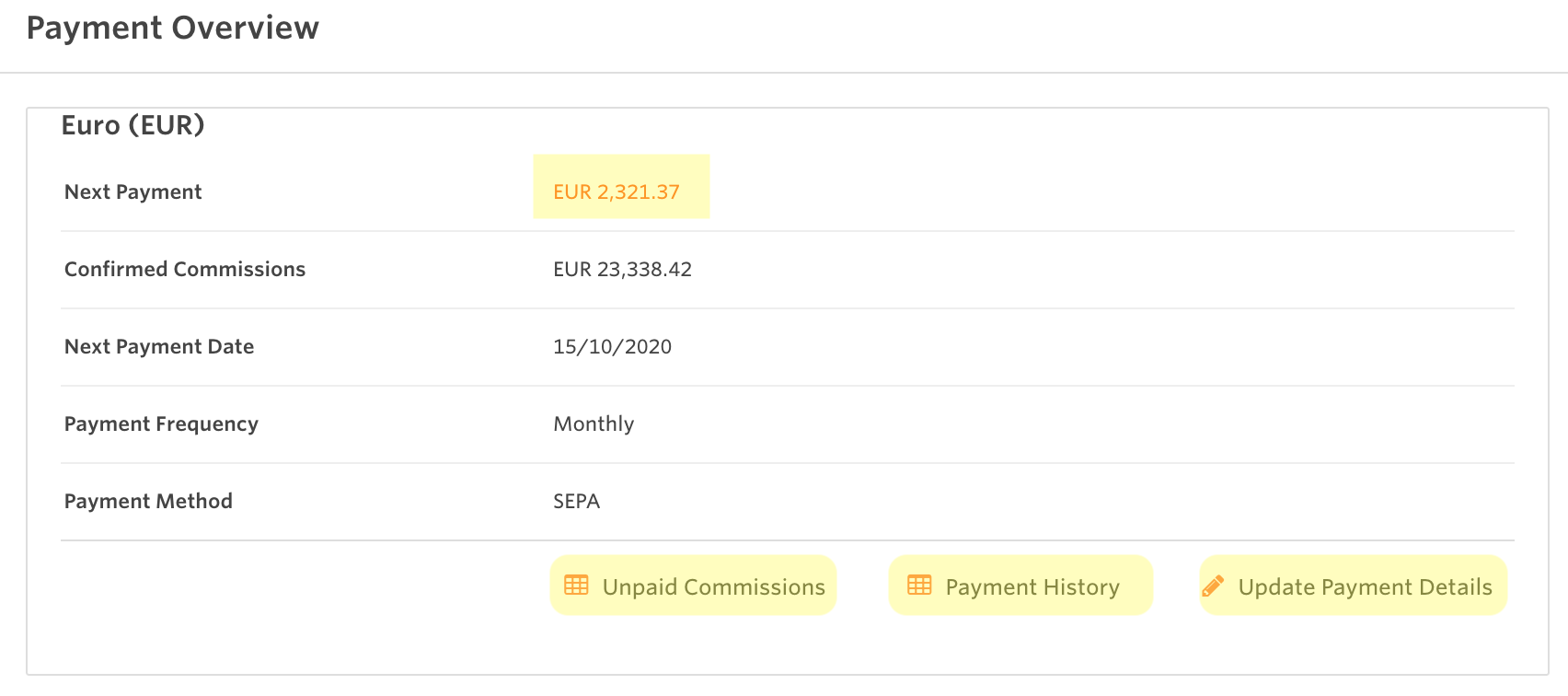
You can see which commissions will be paid by clicking on the amount on Next Payment. Unpaid Commissions offers a pre-filtered transactions report that displays all approved transactions with unpaid commissions in the lifetime of your publisher account.
The Payment History section shows the processing date, period, payment method, the amount for every payment you have received and the details of the transactions included on each payment. To see more about the Payments History and how to download the self-billing invoices, see the following article: How can I access self-billing invoices?
See other types of reports in the article: Where do I find reports?



